
Download
Download Inspector (desktop debugger) or the CLI (reverse proxy) for your OS. Prefer the primary installer when available: Windows MSI, macOS DMG, Linux AppImage / deb / rpm. Portable zips work everywhere and are what titanium update uses.
Pick Stable for production or Beta for the newest builds. Then choose Inspector or CLI below.
Quick picks
Stable v7.0.22
Recommended for production
Inspector
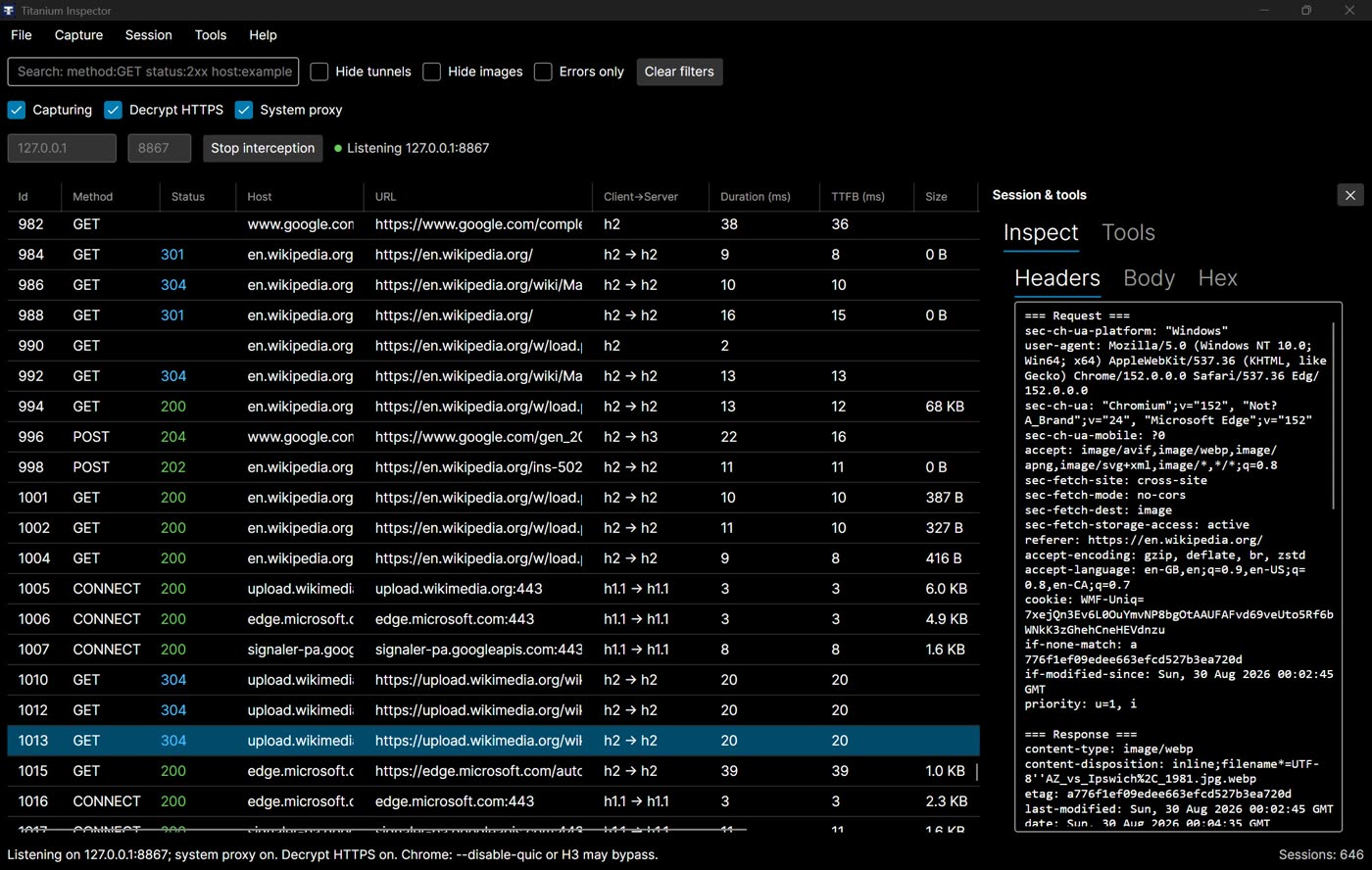
Desktop HTTPS / HTTP debugger (decrypt on machines you control). Inspector guide.
CLI
Command-line reverse / edge proxy (titanium / twp). CLI guide.
Beta v7.0.22-beta
Prerelease — newest features
Inspector
Desktop HTTPS / HTTP debugger (decrypt on machines you control). Inspector guide.
CLI
Command-line reverse / edge proxy (titanium / twp). CLI guide.
Homebrew (macOS CLI)
brew tap justcoding121/titanium
brew install titanium
Plus
Plus is not a separate download. After the CLI:
titanium update --plusThen enable it in config — see Plus.
Library (NuGet)
dotnet add package Titanium.Web.Proxy
# Newer than stable:
dotnet add package Titanium.Web.Proxy --prerelease
Advanced
- Alpine / musl containers: use the Alpine / musl zip rows above — not the regular Linux zip. Details: HTTP/3 and Install.
- Windows signing: Authenticode publisher Jehonathan Thomas.
- Some GitHub tags are NuGet-only (no CLI/Inspector assets). Prefer this page or a release that lists the installers you need.
Release notes
See Releases or all assets on GitHub.